- or -
Right-click on the Navigator treeview and then, on the popup menu, point to Actions and click Move Grocery List Items.
- or -
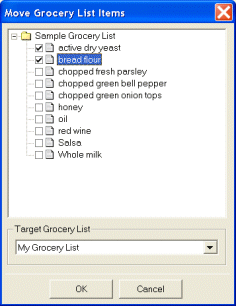
Right-click on the Navigator treeview and then, on the popup menu, point to Actions and click Move Grocery List Items.